summary(cars) speed dist
Min. : 4.0 Min. : 2.00
1st Qu.:12.0 1st Qu.: 26.00
Median :15.0 Median : 36.00
Mean :15.4 Mean : 42.98
3rd Qu.:19.0 3rd Qu.: 56.00
Max. :25.0 Max. :120.00 See the full guide on Using R with Quarto and Knitr Code Cells.
This is an R Markdown document. Markdown is a simple formatting syntax for authoring HTML, PDF, and MS Word documents. For more details on using R Markdown see http://rmarkdown.rstudio.com.
When you click the Knit button a document will be generated that includes both content as well as the output of any embedded R code chunks within the document. You can embed an R code chunk like this:
summary(cars) speed dist
Min. : 4.0 Min. : 2.00
1st Qu.:12.0 1st Qu.: 26.00
Median :15.0 Median : 36.00
Mean :15.4 Mean : 42.98
3rd Qu.:19.0 3rd Qu.: 56.00
Max. :25.0 Max. :120.00 You can also embed plots, for example:
library(ggplot2)
dat <- data.frame(cond = rep(c("A", "B"), each=10),
                  xvar = 1:20 + rnorm(20,sd=3),
                  yvar = 1:20 + rnorm(20,sd=3))

ggplot(dat, aes(x=xvar, y=yvar)) +
    geom_point(shape=1) +
geom_smooth() 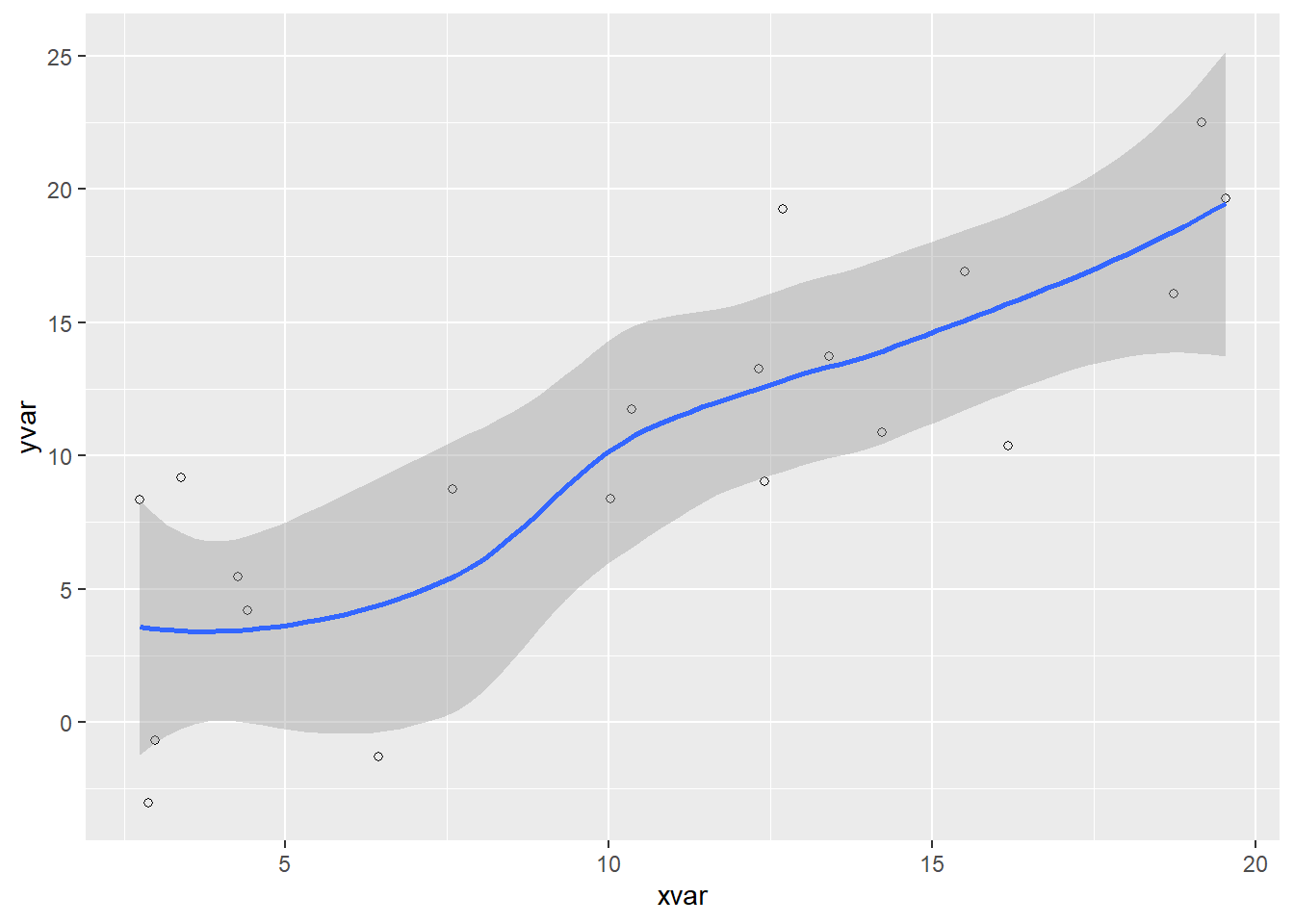
Note that the code-fold: true parameter was added to the code chunk to hide the code by default (click the “Code” above to see the code).
You can also add interactive plots. For example:
library(dygraphs)
dygraph(nhtemp, main = "New Haven Temperatures") %>%
dyRangeSelector(dateWindow = c("1920-01-01", "1960-01-01"))You can also include LaTeX math:
P\left(A=2\middle|\frac{A^2}{B}>4\right)